
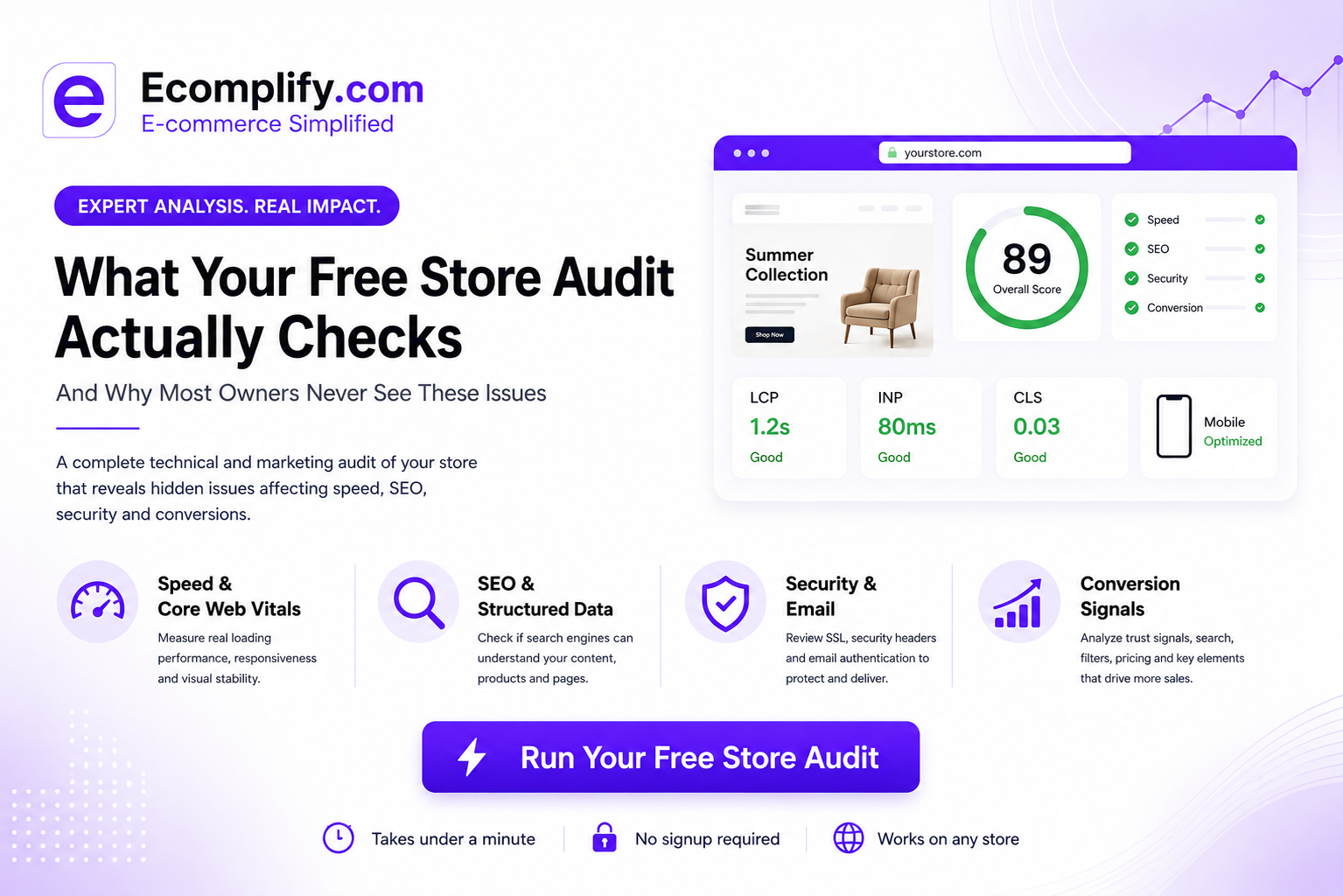
What Your Free Store Audit Actually Checks - And Why Most Owners Never See These Issues
Most ecommerce owners check their store the same way: open it on their phone, click around, see if it looks good. It does. It usually does - that's not where the problems live.
The issues that actually cost you sales sit below what you can see by eye: how fast your product images actually render, whether your pages are structured the way search engines expect, whether your product page answers the one question a buyer has before they'll trust you with their card. None of that shows up from scrolling your own site. It shows up from measuring it.
That's the whole reason a free store audit exists. Here's exactly what it checks, category by category, and why each one tends to fly under the radar.
Speed & Core Web Vitals
This is Google's own measure of how a real visitor experiences your page - not "does it load eventually," but how fast the biggest visible element appears, how quickly the page responds to a tap, and whether content jumps around while it's loading.
Store owners rarely check this because it doesn't feel slow to them - they're often on fast home wifi, and their browser has the site cached from the last hundred times they've opened it. A first-time visitor on mobile data gets a very different experience. We wrote a full breakdown of what slow load times cost in real numbers here.
SEO & structured data
This checks whether search engines can actually understand what's on your page - product name, price, availability, reviews - through structured data markup, not just visible text. A page can look perfect to a human and still be invisible to Google if the underlying markup is missing or broken.
This one's especially easy to miss because there's no visual symptom at all. The page renders fine. It just doesn't show up in search the way it should.
Security & email
SSL configuration, security headers, and whether your domain's email authentication (SPF/DKIM/DMARC) is set up correctly. A weak setup here doesn't just risk a security incident - misconfigured email authentication is one of the most common, least-noticed reasons legitimate order confirmations and marketing emails land in spam instead of the inbox.
Conversion signals
This looks at the things that actually move a visitor toward "buy" - clear pricing, visible trust signals, working search and filters, and whether your product pages give a visitor enough to decide without leaving the page to go check somewhere else. We went deeper on two of the most common gaps here: what's usually missing from product pages, and what happens when your search bar can't understand a normal sentence.
Why this needs a tool, not a gut check
None of these four categories are things you can eyeball. They need to be measured against the same standards Google itself uses to rank and reward good storefronts - which is exactly what our free audit does, using real Lighthouse tests across your home, product, and collection pages, mobile and desktop.
It takes under a minute, needs no signup, and works on any store - whatever platform you're currently on.
Whatever it turns up, you'll know exactly where your store actually stands - not where it looks like it stands from the front end.
*Every Ecomplify store ships on global edge network with Intelli AI Search and structured data handled by default - two of the four categories above are already covered before you add your first product. See how it works →*x