
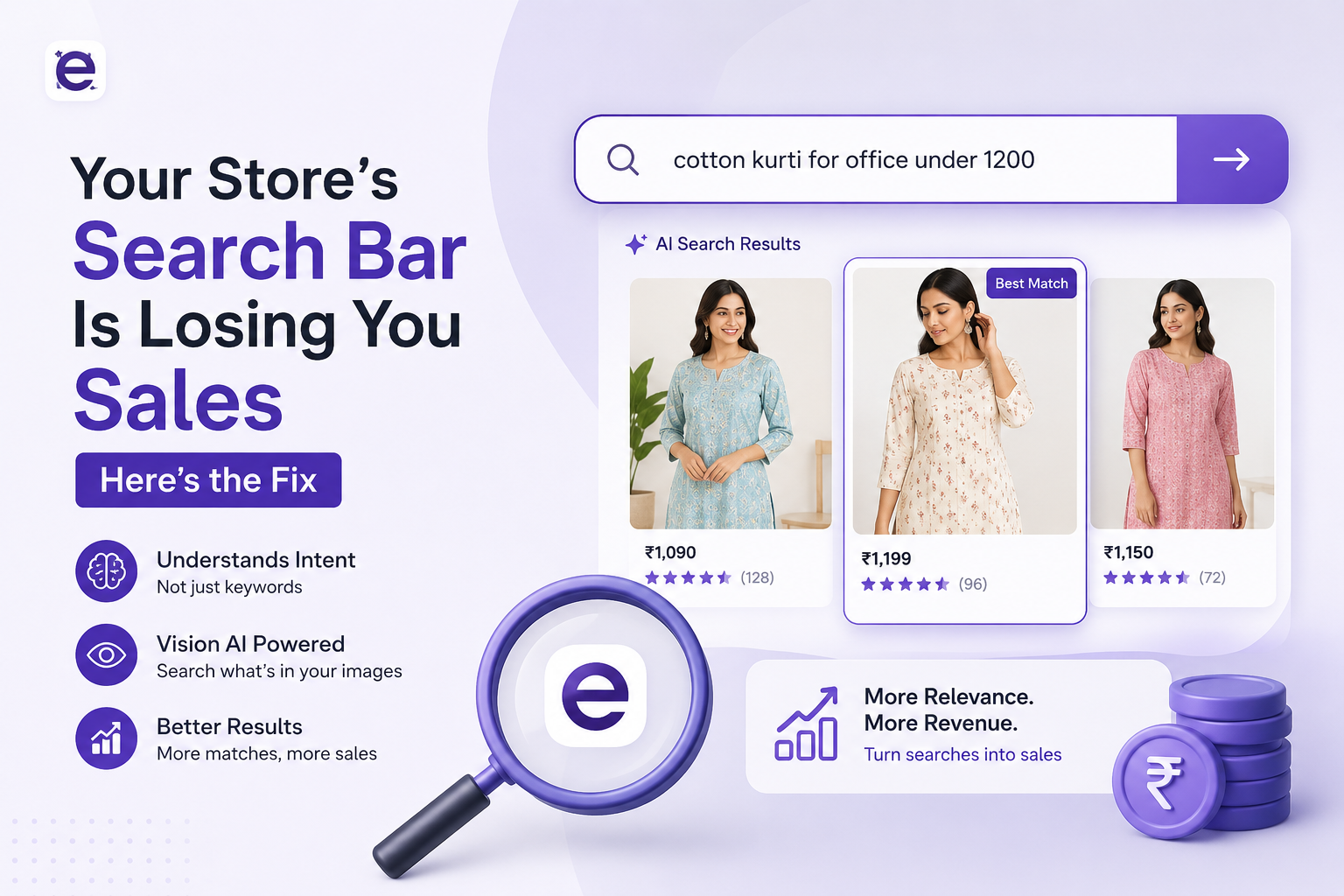
Your Store's Search Bar Is Losing You Sales - Here's the Fix
There's a buyer right now on your store. She types "linen blazer for work under $150" into the search bar. Your store returns zero results - or worse, shows unrelated items - and she closes the tab. You paid for that click. You lost that sale. And you'll never know it happened.
This scenario plays out thousands of times a day across traditional ecommerce stores. Search is broken not because the products don't exist, but because the system between the buyer's intent and your catalog is too rigid to bridge the gap.
Why Keyword Search Fails Modern Shoppers
Keyword search works by matching strings of text. The shopper types "red shoes size 8" and the system looks for product titles or descriptions containing those exact words. It sounds reasonable. In practice, it falls apart constantly.
Real buyers don't think in catalog terms. They think in context - occasion, budget, feeling, use case. "Something for my sister's wedding." "A gift that looks premium but isn't over $200." "Comfortable sneakers I can wear all day at a conference." None of these map cleanly to product attributes, but every single one has a perfect match hiding somewhere in a well-stocked catalog.
The Silent Revenue Killer: Zero-Result Searches
Most merchants never check their zero-result search logs. They should. On average, a traditional ecommerce store sees between 15-25% of all searches return empty results. Every one of those is a buyer who came with money and left without spending it.
The real cost isn't just lost sales - it's the ad spend that brought that visitor to your store. Every bounce from a failed search eats directly into your return on ad spend (ROAS). A 20% improvement in search success rate can deliver more revenue impact than doubling your ad budget.
What AI Search Actually Does Differently
Ecomplify's Intelli AI Search processes the full sentence a customer types. It extracts intent - color, category, price ceiling, occasion context - and matches those attributes against your actual catalog. Including what's visible in your product photos, not just what's written in your product descriptions.
A customer typing "black party dress under $150 for evening event" used to get zero results on keyword search. With Intelli AI Search, she gets three relevant results instantly - matched by color, price range, garment type, and occasion. She buys. You win.
Vision AI: When Your Photos Become Searchable
Here's something most merchandising teams miss: the best product data you have isn't in your descriptions - it's in your photos. A skilled product photographer captures the drape of a fabric, the sheen of a finish, the exact silhouette of a garment, all without writing a single word about it.
Vision AI closes this gap. When Ecomplify indexes your catalog, it doesn't just read your titles and descriptions - it looks at your images and extracts visual attributes: color accuracy, texture, pattern, fit style, and more. A product you tagged simply as "dress" becomes searchable for its embroidery style, its neckline, its print pattern.
For brands with large catalogs and thin product descriptions, this is transformative. Products that were essentially invisible in traditional search suddenly surface for the queries they deserve to appear in.
5 Ways to Make the Most of AI Search on Your Store
- Upload high-quality product photos. AI reads your images. The clearer and more detail-rich your photos, the more attributes Vision AI can extract - and the more search queries you'll match.
- Tag occasions and use-cases. Add occasion tags (wedding, office, casual, evening) to your products. AI search uses these to match contextual queries like "party outfit for formal dinner."
- Write descriptions naturally, not for bots. Write the way your customers talk about products. "Comfortable for all-day wear" is more useful than "high-quality fabric construction."
- Bulk import to unlock full AI indexing. Use Ecomplify's bulk CSV import to get your entire catalog AI-indexed in one go. More products = more surface area for search to work.
- Monitor your search terms report. Review what customers actually search for. Recurring no-click queries tell you exactly which products to stock or which descriptions to improve.
Search Is Now a Competitive Moat
Two years ago, better search was a nice-to-have. In 2026, it's becoming a separator between stores that retain customers and those that don't. Shoppers who successfully find what they're looking for - fast - come back. They browse more. They recommend the store. A seamless search experience quietly builds loyalty at scale.
The good news: you don't need a team of engineers to get there. Ecomplify's Intelli AI Search ships as part of every storefront. Activate it, upload your catalog, and your buyers start searching - and finding - the way they naturally talk.
Last updated August 5, 2026